

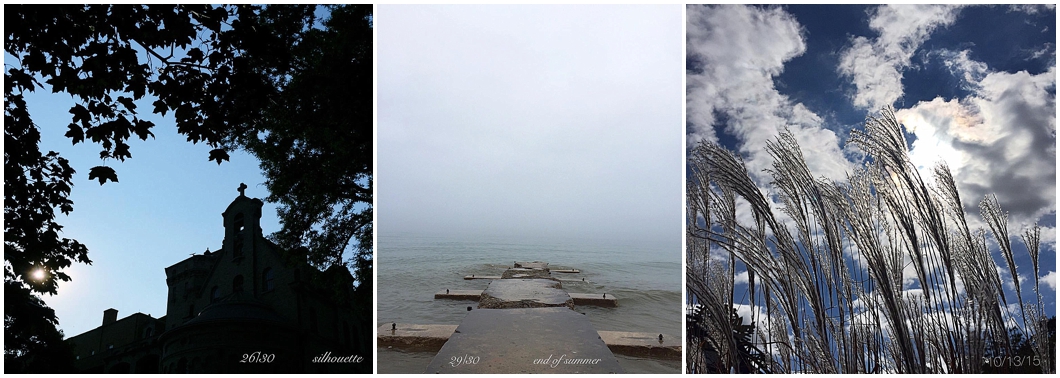
Sometimes I forget that some people are new to this whole photography thing. I forget that for some, this is their first photo challenge. Annoying, right? Actually, one of the things I love most about my 30 Day Challenge is that it opens up a whole world of photography to people who think you need a...





Thanks for the tips, Stephanie! Just downloaded Aviary on my ipad…..so far looks user friendly!
Very well written, great advice and motivation! Thank you Stephanie and Michaela!
You’re welcome, Rachel! I love Aviary! I figured it out, so it must be easy to use!
I was very surprised to learn that you only use an iPhone! Your work is stunning, and I especially like the flashlight tip. Curious about editing on iPad. I edit with Aviary on an Android phone and think the only way to edit on iPad is to email photo to myself. Thoughts?
Hey Deb!
Fortunately (or unfortunately) the beauty of the Apple koolaid is that if you have an iPhone, your images automatically sync between devices. So, they automatically pop up on the iPad if you have an iPhone.
For Android, you could download Dropbox (or another cloud server) and have all your photos sync to dropbox and can then pull them down to your iPad fairly easily.
Hope that helps!